How it works
Install, choose two models, add documents and ask. Everything runs on your Mac.
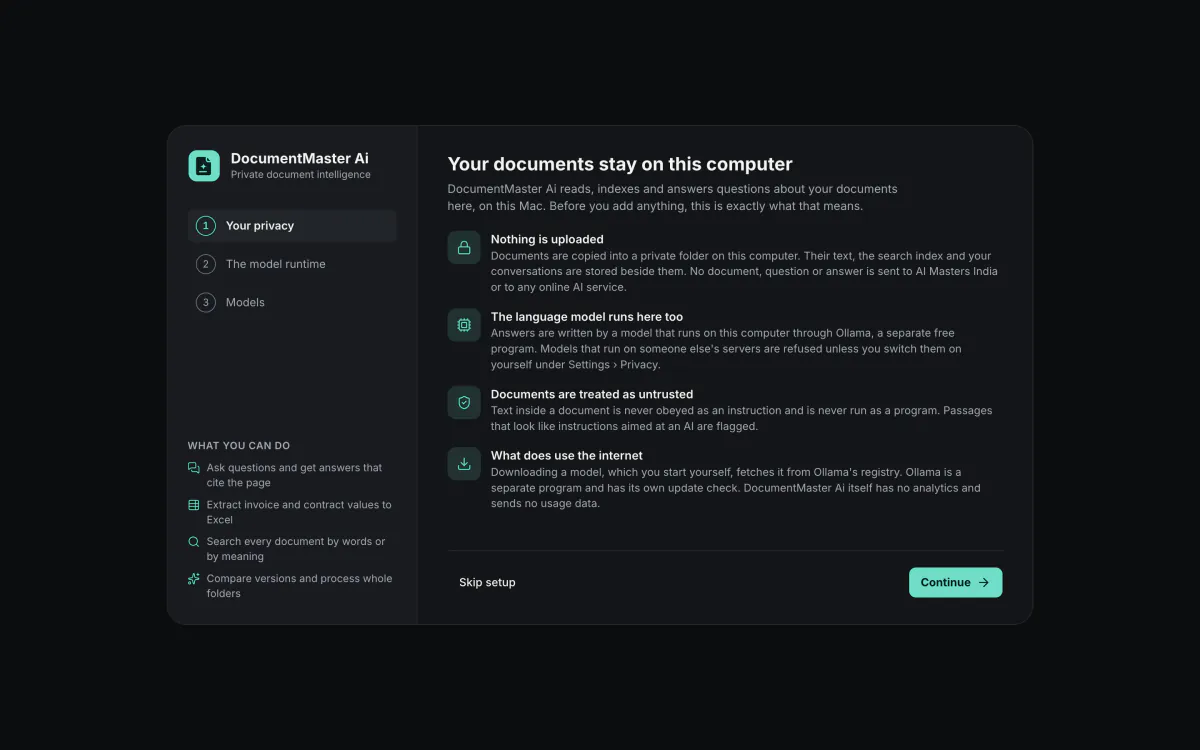
Your documents stay on this computer
The first screen of setup says it plainly: nothing is uploaded, the model runs here, documents are treated as untrusted, and what does use the internet is listed.
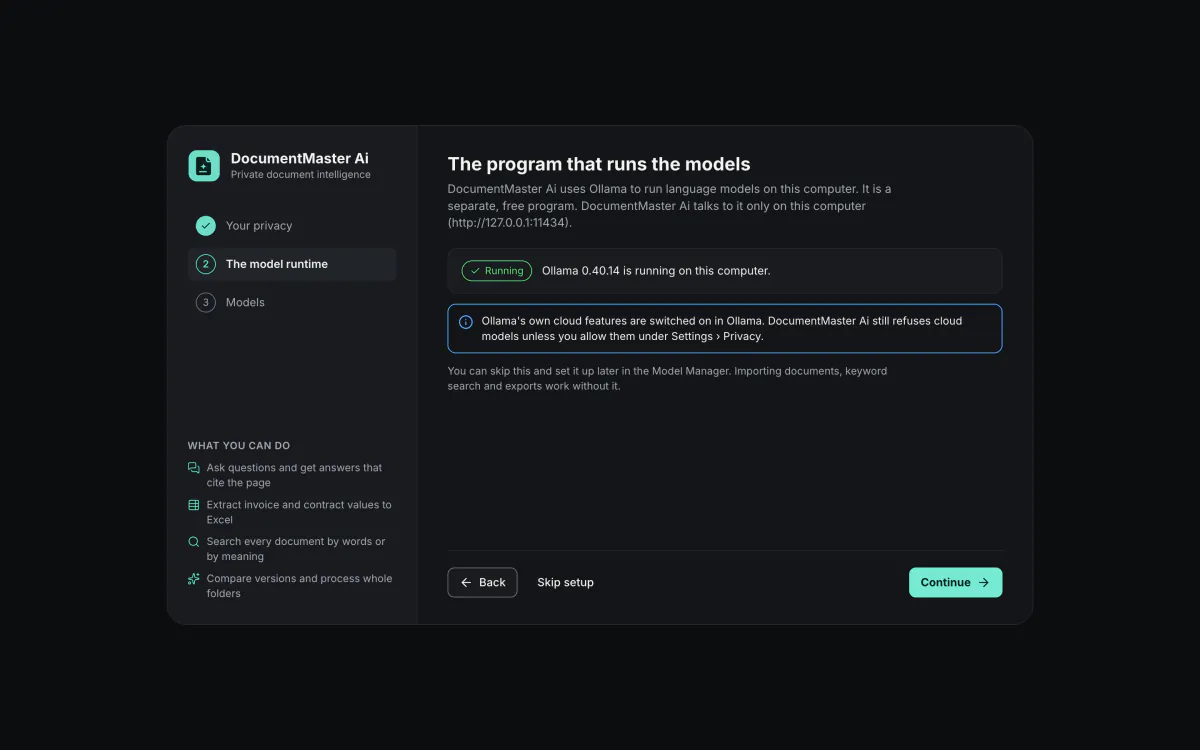
The program that runs the models
DocumentMaster Ai talks to Ollama, a separate free program, on this computer only. Setup checks that it is running, and you can skip the step.
Choose the models
Setup suggests one answering model and one search model that fit your Mac, each with its licence and a commercial-use label. Models are downloaded once, from inside the app.
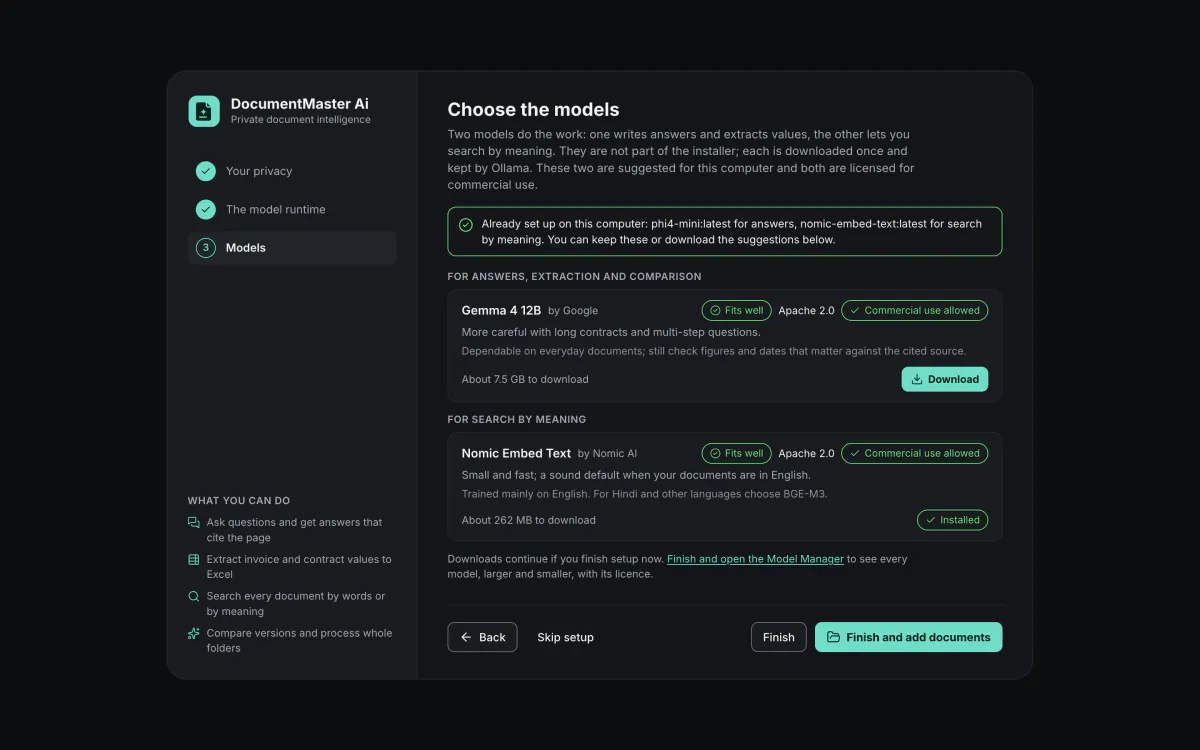
Then add documents and ask. You can skip any setup step, then finish and add documents or open the Model Manager. Without Ollama the app can still import, read, search by keyword and export.
What your Mac needs.
- A Mac with Apple Silicon and macOS 14 or later.
- 8 GB of memory works with the smallest models; 16 GB or more is comfortable.
- Ollama, a separate free program that runs the models. DocumentMaster Ai talks to it on this computer only.
- Two models, downloaded once from inside the app. Chat models are about 2 to 19 GB, search models under 1.2 GB.
- Interface in English. Answer language, number and date formats and text-recognition languages are settings.
Not built: Intel Macs, Windows, Linux, a web version, a phone app.